
Hearing Aids iPhone Apps and New Tech
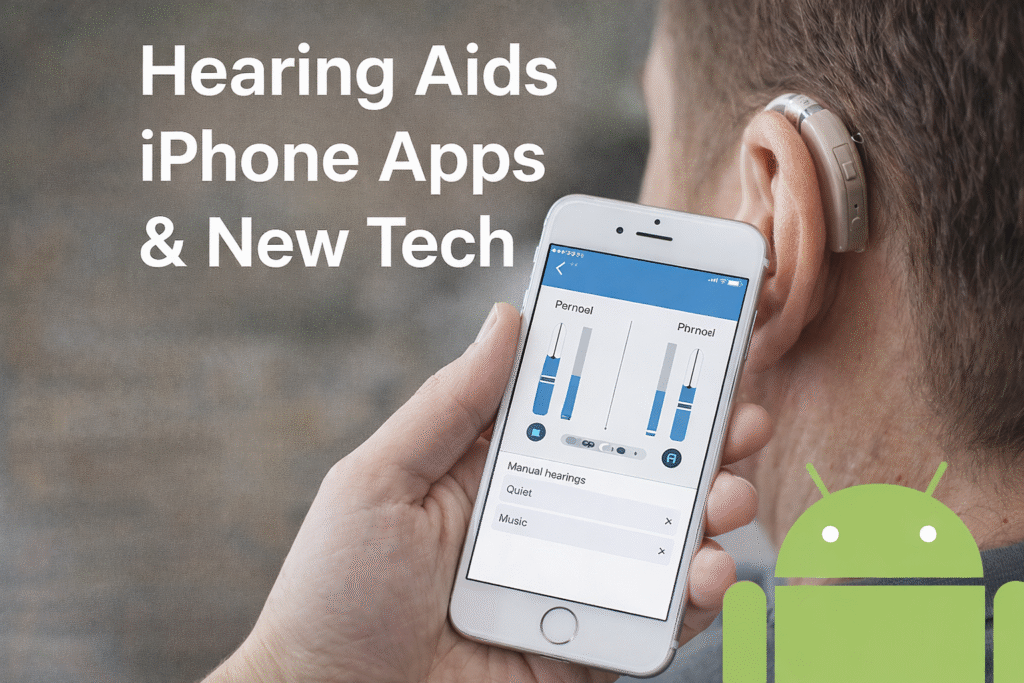
Hearing loss can make daily life harder. Simple things like talking to family, watching TV, or answering a phone call can become stressful. But today, hearing aids iPhone apps and new tech are changing everything. Apple iPhone has become one of the best tools for people who use hearing aids. With smart apps, Bluetooth, and new features, hearing is now clearer and easier.hearing-aids
In this guide, we explain everything in simple English. If you use hearing aids or plan to buy them, this article will help you understand iPhone hearing aid apps, settings, and the latest technology.
What Are Hearing Aid iPhone Apps
A hearing aid iPhone app is an app that lets you control your hearing aids using your iPhone. Instead of touching small buttons on the hearing aids, you can tap your phone screen. This makes life easier, especially for older users.
With an iPhone hearing aid app, you can change volume, switch sound modes, and reduce noise. Some apps even let you control each ear separately. Think of it like a TV remote but for your ears.
Many hearing aid brands offer their own apps. These apps help users hear better in places like restaurants, meetings, or busy streets. iPhone apps also help people feel more confident because they can control sound anytime, anywhere.
Made for iPhone Hearing Aids Explained
Made for iPhone hearing aids are special hearing aids designed to work directly with Apple iPhones. They are also called MFi hearing devices, which means “Made for iPhone.”
These hearing aids connect without extra tools or adapters. The sound is clear, stable, and smooth. Phone calls, music, and videos stream directly to the hearing aids, just like wireless earbuds.
Many doctors recommend MFi hearing aids because they are reliable and easy to use. Apple worked closely with hearing aid companies to make sure these devices work well together. This is why iPhones are often better than other phones for hearing aid users.
MFi Hearing Devices and iPhone Compatibility
MFi hearing devices iPhone compatibility is one of the biggest reasons people choose Apple. These devices are tested by Apple to ensure strong connection and sound quality.
MFi hearing devices support:
- Direct audio streaming
- Easy volume control
- Stable Bluetooth connection
Most modern iPhones support MFi hearing devices, including older models and new ones like iPhone 15. When you use compatible devices, sound delays and dropouts are very rare.
If you are buying hearing aids, always ask if they are MFi compatible. This ensures the best experience with your iPhone.
How to Connect Hearing Aids to Bluetooth on iPhone
Many users ask, how to connect hearing aids to Bluetooth on iPhone. The process is simple and only takes a few minutes.
Steps:
- Open iPhone Settings
- Tap Accessibility
- Tap Hearing Devices
- Turn on your hearing aids
- Select your hearing aids to pair
Once paired, your hearing aids will connect automatically every time. This makes daily use easy and stress-free. Bluetooth connection allows phone calls, music, and videos to stream directly into your hearing aids.
iPhone Hearing Aid Settings and Controls
iPhone offers strong hearing aid settings. You can adjust volume, tone, and balance easily. These settings help improve speech and reduce noise.
You can also use Live Listen, which turns your iPhone into a microphone. This is helpful in meetings or noisy places. The phone picks up sound and sends it directly to your hearing aids.
Apple’s accessibility menu makes hearing aid control simple. Everything is clear and easy to find, even for beginners.
How to Switch from Hearing Aids to Speaker on iPhone
Sometimes you may want sound to play on the phone speaker instead of hearing aids. Many users ask, how to switch from hearing aids to speaker on iPhone.
To do this:
- During a call, tap the Audio icon
- Choose Speaker instead of Hearing Aids
This is useful when sharing calls or playing audio for others. You can switch back anytime. Apple makes switching smooth and fast without disconnecting your hearing aids.
iPhone Hearing Aid Mic Input and Audio Streaming
The iPhone hearing aid mic input helps improve voice clarity. Some hearing aids use both the phone mic and hearing aid mic together. This improves sound during calls.
Audio streaming is also a big benefit. Music, videos, and calls stream directly to your hearing aids. This gives better sound quality than using the phone speaker.
This feature makes hearing aids feel like smart audio devices, not just medical tools.
iPhone 15 Hearing Aid Compatibility and New Tech
iPhone 15 hearing aid compatibility is better than ever. Apple continues to improve Bluetooth, sound processing, and accessibility features.
New tech includes:
- Faster Bluetooth connection
- Better battery use
- Clearer audio streaming
iPhone 15 works well with MFi hearing devices and hearing aid apps. Apple focuses strongly on accessibility, making sure hearing aid users are not left behind.
Benefits of Using Hearing Aid Apps on iPhone
Using hearing aid apps on iPhone offers many benefits:
- Easy control
- Better sound quality
- Fewer clinic visits
- More independence
It’s like upgrading from a basic radio to a smart speaker. The control is in your hands.
Final Thoughts
Technology has changed hearing care forever. With hearing aids iPhone apps and new tech, users can hear better, live confidently, and stay connected. Apple’s iPhone, MFi hearing devices, and smart apps work together to create a powerful hearing experience. If you use hearing aids, pairing them with an iPhone can truly change your life.
FAQs
1. What is an iPhone hearing aid app?
It is an app that controls hearing aids using an iPhone.
2. Are all hearing aids compatible with iPhone?
No, only Bluetooth and MFi hearing devices.
3. How do I connect hearing aids to Bluetooth on iPhone?
Use Settings → Accessibility → Hearing Devices.
4. Can iPhone 15 work with hearing aids?
Yes, iPhone 15 supports most MFi hearing devices.
5. What is MFi hearing devices iPhone support?
It means the hearing aid is made for Apple iPhones.
6. Can I switch from hearing aids to speaker on iPhone?
Yes, during calls using the audio option.
7. Does iPhone hearing aid mic input improve calls?
Yes, it helps improve voice clarity.
8. Are hearing aid apps free on iPhone?